WordPress Editor Styles Example: Match the Block Editor to the Front End
Add focused editor styles so WordPress authors see content typography and spacing closer to the published front end.
Published
April 23, 2026
Reading Time
2 min read
Updated
April 23, 2026
Implementation Notes
Extension points, code paths, and implementation choices that should survive contact with production.
Best For
WordPress developers, agencies, and technical teams building custom plugin or theme functionality with cleaner operational defaults.
Primary Topics
Editorial Focus
Build Pattern: Extension points, code paths, and implementation choices that should survive contact with production. Updated on April 23, 2026.
Full Report
Last reviewed: April 23, 2026
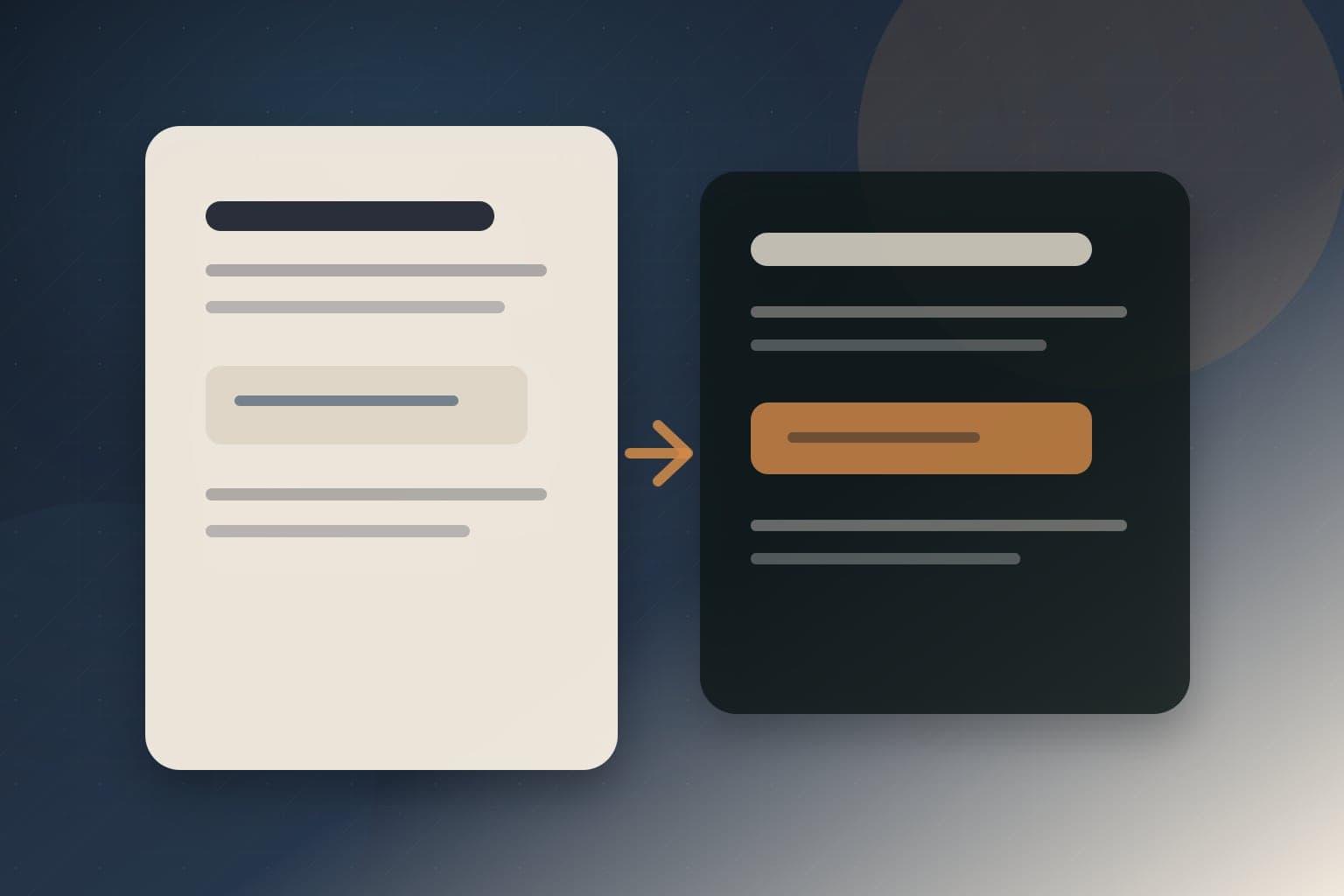
A WordPress editor that looks nothing like the front end creates slow review cycles. Writers publish headings, spacing, buttons, and embeds that looked acceptable in the editor but break the article layout after deployment.
This guide shows how to add editor styles so the block editor reflects the front-end typography and spacing of your theme without loading the entire production CSS bundle into wp-admin.
Goal of editor styles
Editor styles should make content decisions accurate. They do not need to reproduce every header, footer, animation, or marketing component. Keep the stylesheet focused on content: text rhythm, links, buttons, lists, tables, quotes, images, and common blocks.
Enable editor styles in a classic theme
<?php
add_action( 'after_setup_theme', 'vulnwp_setup_editor_styles' );

function vulnwp_setup_editor_styles() {
	add_theme_support( 'editor-styles' );
	add_editor_style( 'assets/css/editor-style.css' );
}
The file path is relative to the active theme directory. For block themes, WordPress handles some editor style support automatically, but a dedicated stylesheet can still be useful for project-specific editorial polish.
Create a focused editor stylesheet
body {
	color: #111827;
	font-family: Georgia, "Times New Roman", serif;
	font-size: 18px;
	line-height: 1.7;
}

.editor-styles-wrapper {
	max-width: 760px;
}

.editor-styles-wrapper h2 {
	font-size: 32px;
	line-height: 1.18;
	margin-top: 2.2em;
}

.editor-styles-wrapper a {
	color: #0f513d;
	text-decoration-thickness: 0.08em;
	text-underline-offset: 0.18em;
}

.editor-styles-wrapper .wp-block-quote {
	border-left: 4px solid #0f513d;
	padding-left: 1.25rem;
}
Use selectors that target the editor content wrapper. Avoid styling unrelated wp-admin UI.
Load block-specific CSS only when needed
If a custom block has a small editor-only stylesheet, load it with the block metadata or enqueue it for the editor context. Do not push the entire site bundle into the editor just because one block needs spacing.
{
	"$schema": "https://schemas.wp.org/trunk/block.json",
	"apiVersion": 3,
	"name": "vulnwp/callout",
	"title": "Callout",
	"style": "file:./style.css",
	"editorStyle": "file:./editor.css"
}
This keeps front-end and editor CSS explicit. The front-end stylesheet handles public rendering; the editor stylesheet handles authoring accuracy.
What not to load
- Do not load tracking scripts in the editor just to preview embeds.
- Do not load large animation libraries in wp-admin.
- Do not depend on front-end layout containers that do not exist in the editor.
- Do not override core editor controls globally.
Production checklist
- Audit content blocks. List the blocks editors actually use.
- Style content first. Cover headings, paragraphs, lists, links, images, quotes, tables, and buttons.
- Keep wp-admin safe. Scope styles to the editor wrapper.
- Test reusable patterns. Verify callouts, comparison tables, and article intros.
- Measure admin performance. Editor CSS should not make wp-admin feel heavy.
Common mistakes
- Loading the full production bundle. It can style admin UI by accident and slow down editing.
- Ignoring table and code styles. Technical articles often fail visually in those blocks first.
- Using editor styles as a design system dumping ground. Keep them content-focused.
- Forgetting RTL or localization needs. Editorial CSS should not assume one language direction if the site is multilingual.
- Testing only an empty post. Use a real long-form article with images, lists, quotes, and code.
Related reading
If your editor styles support custom blocks, read the block.json example. For reusable editorial layouts, pair this with the block pattern guide.


