WordPress plugin_action_links Example: Add a Settings Link Cleanly
Add a focused Settings shortcut on the Plugins screen with plugin_action_links without bloating WordPress plugin row actions.
Published
May 5, 2026
Reading Time
2 min read
Updated
May 5, 2026
Implementation Notes
Extension points, code paths, and implementation choices that should survive contact with production.
Best For
WordPress developers, agencies, and technical teams building custom plugin or theme functionality with cleaner operational defaults.
Primary Topics
Editorial Focus
Build Pattern: Extension points, code paths, and implementation choices that should survive contact with production. Updated on May 5, 2026.
Full Report
Last reviewed: May 5, 2026
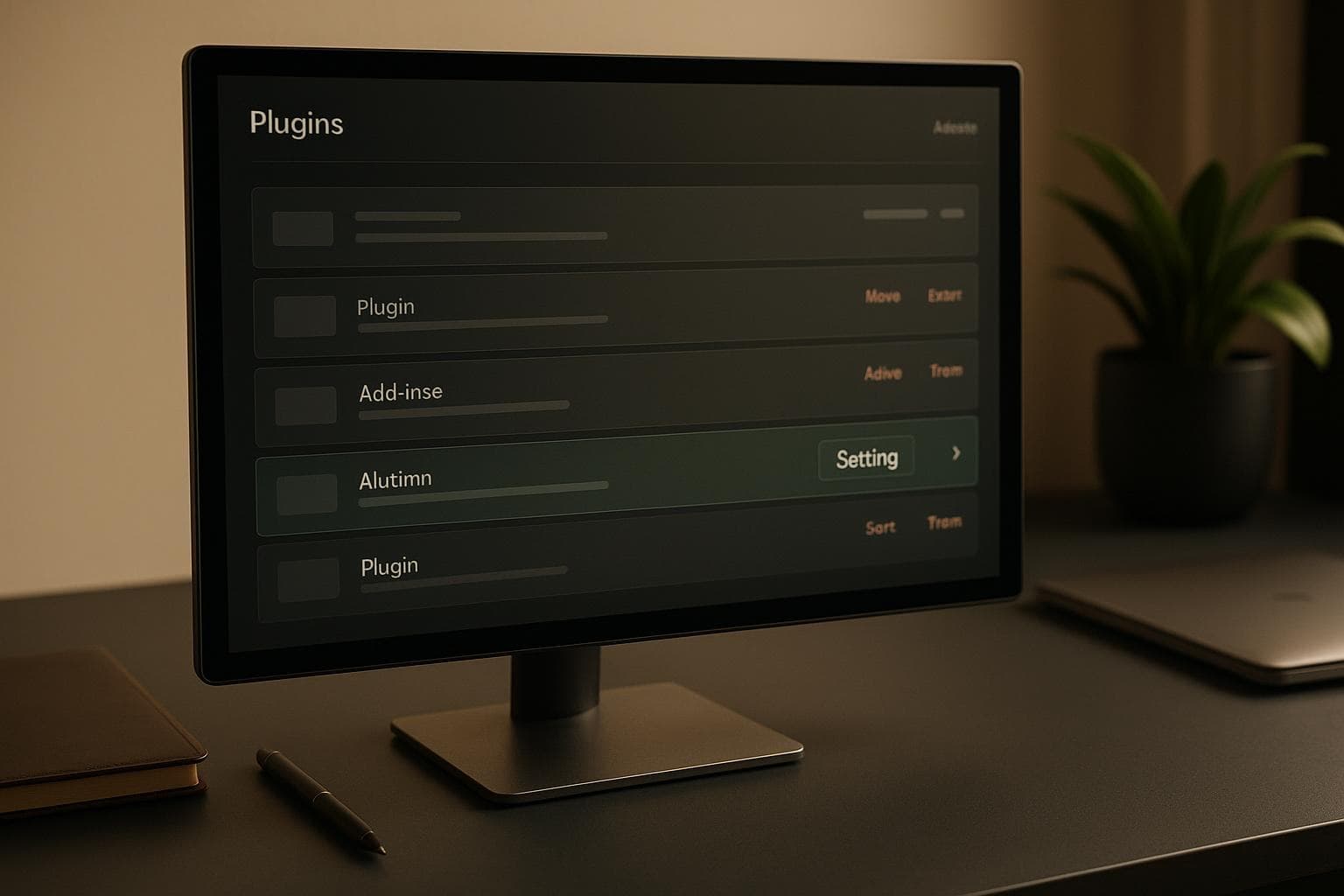
Small plugin UX details matter more than teams admit. If a plugin has a settings screen but forces users to navigate through several admin levels to reach it, that friction shows up every time someone audits or changes configuration. The plugin_action_links hooks are the clean place to add a focused Settings shortcut directly on the Plugins screen.
This guide shows how to add a settings link safely for one specific plugin and why the plugin-specific dynamic hook is usually the better choice.
Target the specific plugin file, not every plugin row
<?php
add_filter(
	'plugin_action_links_' . plugin_basename( __FILE__ ),
	'vulnwp_add_settings_action_link'
);

function vulnwp_add_settings_action_link( $actions ) {
	$settings_link = sprintf(
		'<a href=\"%s\">%s</a>',
		esc_url( admin_url( 'options-general.php?page=vulnwp-security-reports' ) ),
		esc_html__( 'Settings', 'vulnwp' )
	);

	array_unshift( $actions, $settings_link );

	return $actions;
}
The dynamic hook keeps the callback limited to the current plugin instead of forcing the code to inspect every plugin row on the page.
Link to a real screen that the user can reach
The shortcut should point to a stable settings page or admin screen that already exists. If the plugin does not yet have a coherent settings destination, the action link is just decorative noise.
Keep the label narrow and predictable
Most plugins do not need five custom action links. A single Settings link is usually enough. The goal is to reduce friction, not turn the Plugins screen into another dashboard.
Do not confuse navigation convenience with authorization
The action link is only a shortcut. The destination page still needs its normal capability check. If the target screen should be limited to administrators, the callback that renders that screen remains the real enforcement point.
Common mistakes
- Using the generic hook when the callback only belongs to one plugin. The dynamic hook is cleaner.
- Adding too many links. One focused shortcut usually serves users better.
- Linking to an unstable slug or unfinished page. Action links should feel dependable.
- Skipping capability checks on the destination screen. Navigation is not authorization.
Production checklist
- Prefer
plugin_action_links_{plugin_file}for plugin-specific behavior. - Use
plugin_basename( __FILE__ )to target the correct plugin file. - Point the link at a stable admin URL.
- Keep the number of custom links minimal.
- Leave authorization to the destination screen callback.
Related reading
Pair this with the add_menu_page guide if the plugin screen sits at the top level, or with the add_submenu_page article if the settings page belongs under an existing parent.


